FAQ Mini X2
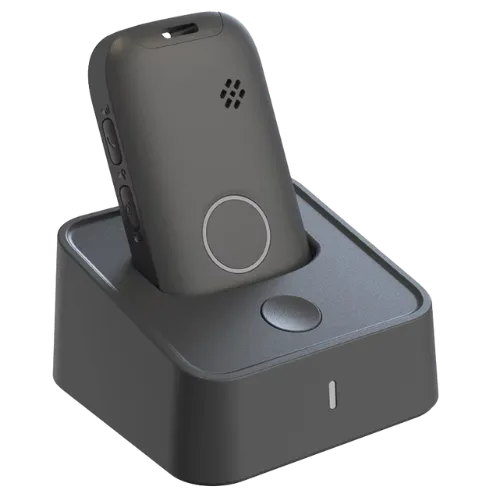
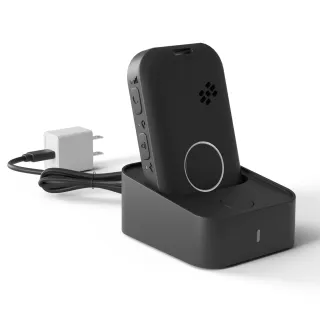
How to charge the device
1. Using the supplied cable, plug one end into the charger dock and the other end into the USB-c Plug and plug into the wall
2. Place the device into the dock
Leave on charge for 3 hours to gain a full charge.
Charge your device to full power.
How Long does the battery last
The battery lasts up to 2-4 days with normal usage.
How to call for help
Press the help button on the front of the device and hold for 3 seconds.
An operator will speak with you via the device 2-way voice
Help will be sent to your location and contacts notified.
How does fall detection work
IMPORTANT SAFETY INFORMATION
To use Fall Detection, you must enable it in your protection package by calling us at 1.855.392.5378.
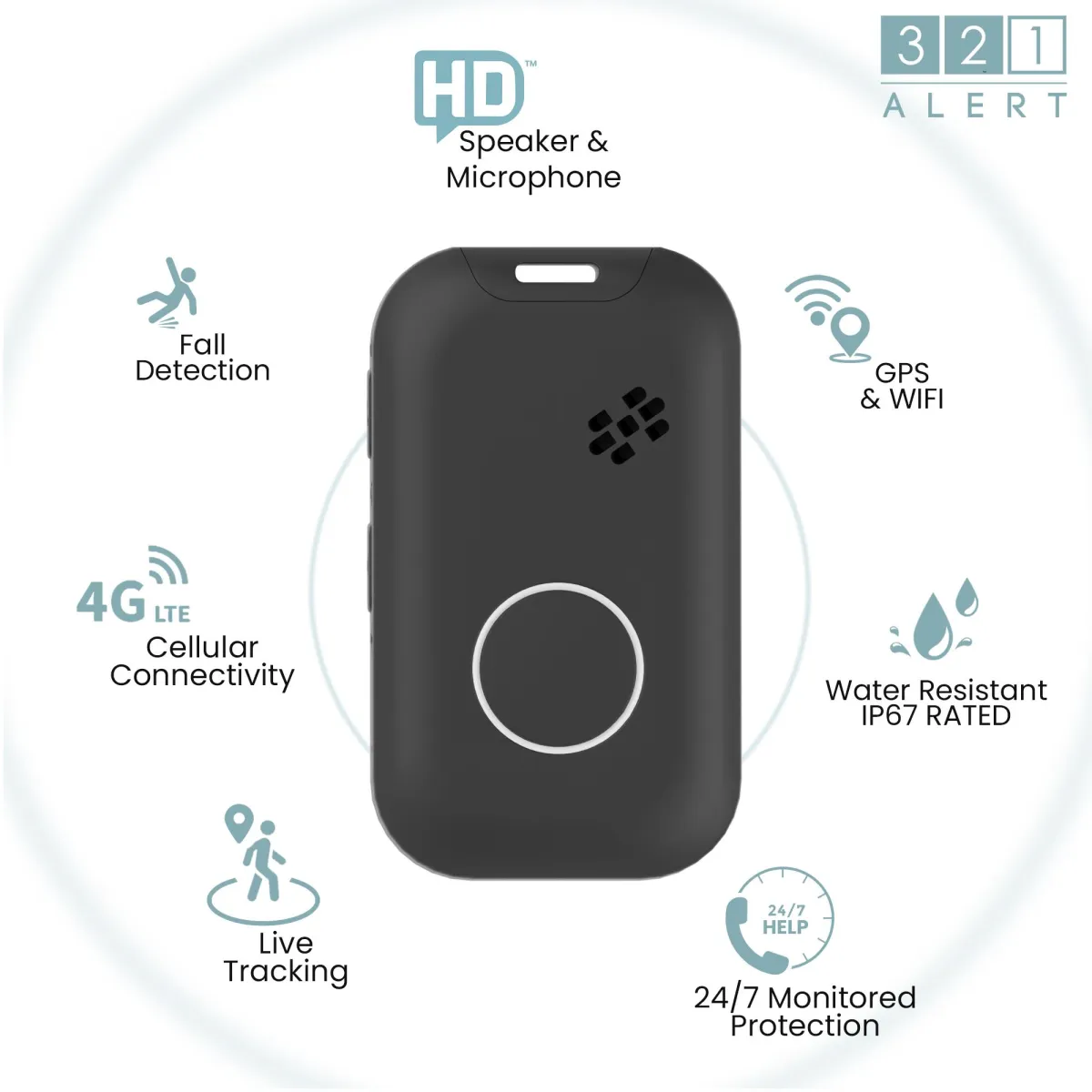
NOTE. FALL DETECTION DOES NOT DETECT 100% OF FALLS. Note. So always press the Help Button if you can.. The Mini X2 uses an accelerometer and a proprietary algorithm to detect falls based on speed, direction, and impact.
When Fall Detection detects a fall, it automatically calls the Care Centre, even if you can't press the Help Button. You'll first hear the recording, "Fall Detected.
PLEASE NOTE:
For a medical emergency, stay on the line with an operator. For false alarms, hold the Help Button until you hear "Fall Detection Cancelled.
IMPORTANT SAFETY INFORMATION
For accuracy and fewer false alarms, wear the Mini X2 around your neck at your breastbone, outside your shirt. Do not wear it while
sleeping.
How to turn fall detection on or off
To enable or disable fall detection. please call us at 1.855.392.5378
How to power the device on
Press the help button for 1 second, the leds will flash and the device will turn on. Powering on can take up to 60 seconds.
OR
Place the device into the charger dock and this will automatically turn the device on.
How to power the device off
Press and hold the following 2 buttons at the same time for 3 seconds (until you feel the device vibrate), the front sos button and the side top power button,
The device will then vibrate to confirm powering down.
The LED's if enabled on the front of the device will continue to flash upto 60 seconds. After 60 seconds the device is powered off.
Water Resistant IP67
The Mini X2 is Water Resistant IP67 rated. the Device should not be submerged into water and should always be towel dried after water exposure.
How to Wear the Mini X2
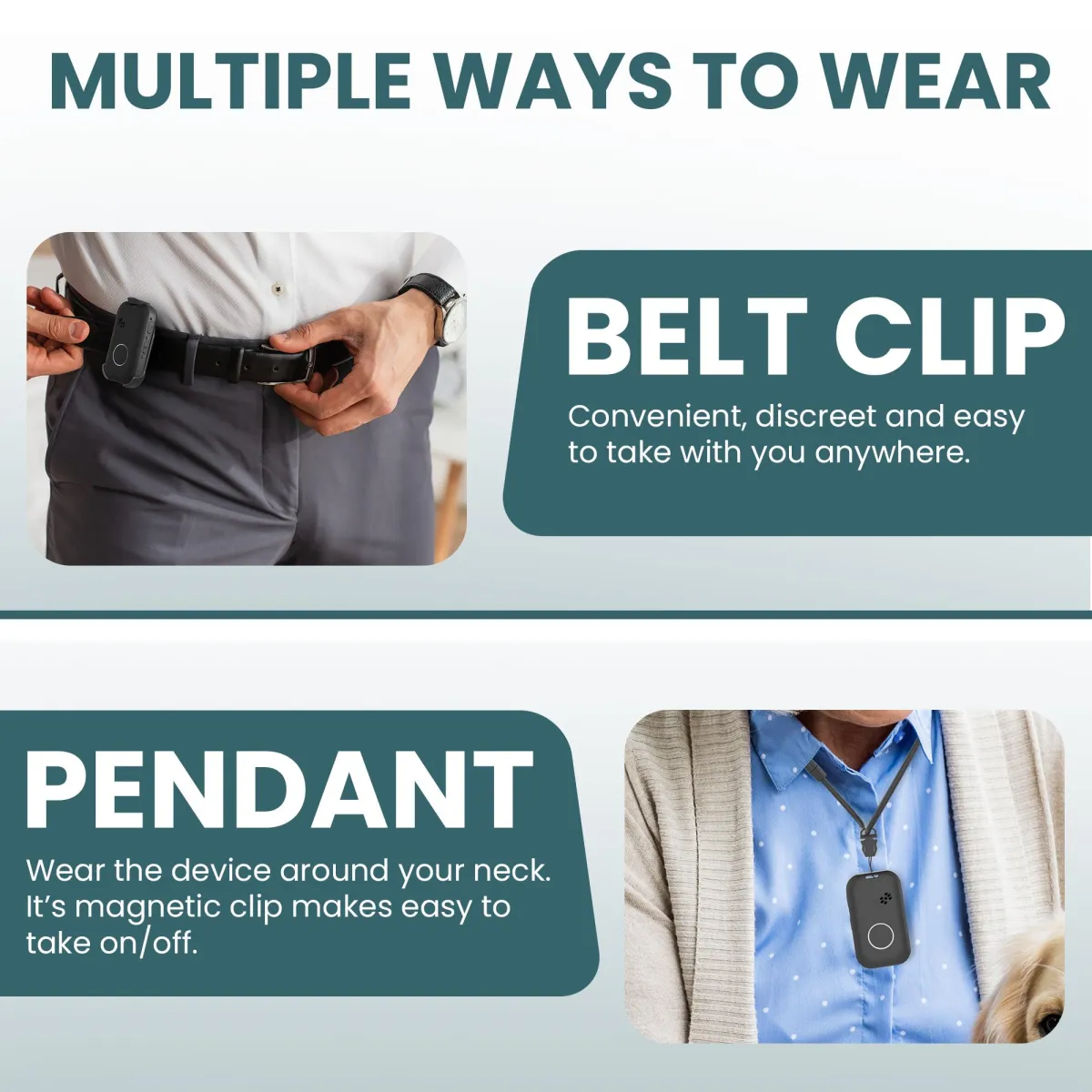
Lanyard - The device is delivered with the lanyard attached. The lanyard is supplied to wear the device around your neck.
Belt Clip - The belt clip option allows you to wear the device on your belt, clip to clothing or clip to a bag.
Device Coverage
The Mini X2 alert system requires adequate cellular signal to function. It is important to test the device to know it works in your area. Test your device to confirm you have coverage.
USA Coverage - The Mini X2 works coast to coast in the USA where there is adequate cellular signal.
Canada Coverage - The Mini X2 works coast to coast in Canada wide where there is adequate cellular signal.
When travelling between Canada and the USA you do not need to do anything. The device will automatically connect to the local cellular tower and function as usual. Test the device to make sure its working. Always test your device weekly.
TESTING YOUR DEVICE
TEST YOUR DEVICE WEEKLY.
Press and hold the help button for 3 seconds
The system will connect you to our care center and ask if you need help
Advise you are testing the device, the operator will ask you to confirm this is a test. Once confirmed, the call will end and the system wll reset back to stand by mode.
Status LED'S
TURN LEDS ON AND OFF
To turn your status LED's on or off, please call us at 1.855.392.5378 and we can turn those on or off for you.
Status LED's
Green
Slow flashing - indicates connected to cellular network
LED off - indicated invalid connection
Blue
LED flashing - indicates gps location acquired
LED off - no new signal acquired
Red
LED rapid flashing - indicates battery below 20%
LED solid - indicated battery charged
LED off - battery above 20%
Dimensions and Weight of the Button
Dimension
67.3mm*37.7mm*15mm
Weight 43grams
321 Alert©
Safety and security have been our top priority since our inception and we've continued to provide our customers with this exact mission to give you the freedom to maintain an active lifestyle while knowing that help is within reach.


Toll Free (855) 392.5378
Local (360) 300.4024
Office Hours
Eastern
M-F 9am to 9pm
Saturday 11am to 8pm
Pacific
M-F 6am to 6pm
Saturday 8am to 5pm
Copyright© 2026 - 321 Alert@ - All Rights Reserved.